[App] has stopped - Upon startup
Earlier versions of the Minimal OS didn't properly migrate all preferences and data between upgrades, and occasionally some of the Minimal apps can give you a message upon bootup that is something like:
Minimal Launcher has stopped
Affected Apps
This can affect the following apps:
- Minimal Launcher
- Minimal Keyboard
- Quick Settings
Solution
To solve this problem, we may be able to just reset the app data, this will remove any configuration or preferences, but will stop the crashing issue.
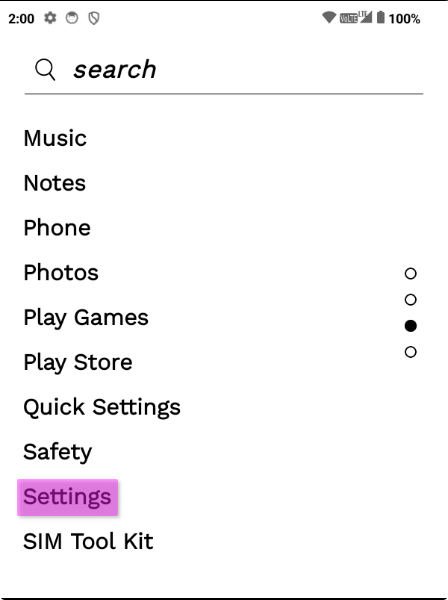
- Open
Settings(From the app drawer or swipe down from the top to access quick settings, and open it with the gear icon)
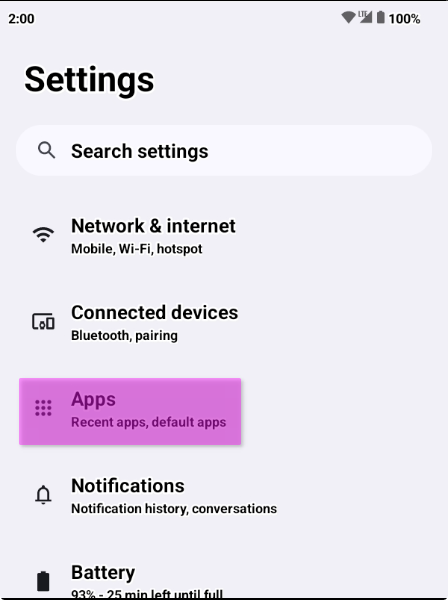
- Once you're in settings, navigate to
Apps
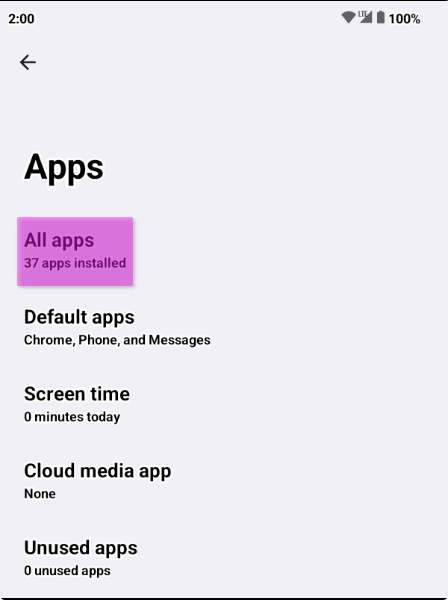
- Select
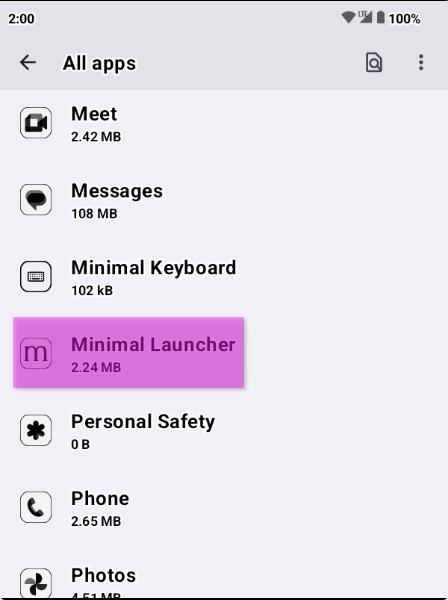
All apps
- Scroll and find your affected app, tap on it
- In
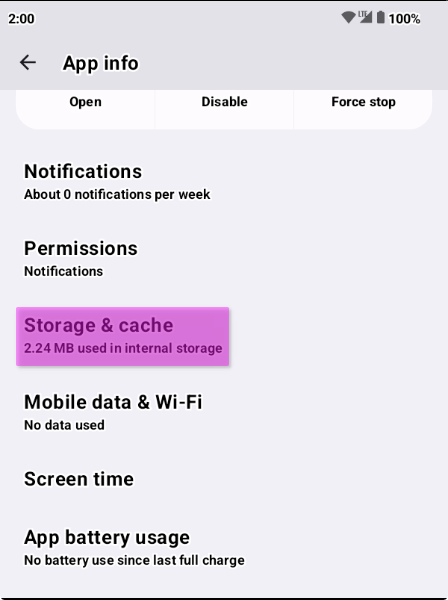
App infoon your affected app, selectStorage & cache
- Select
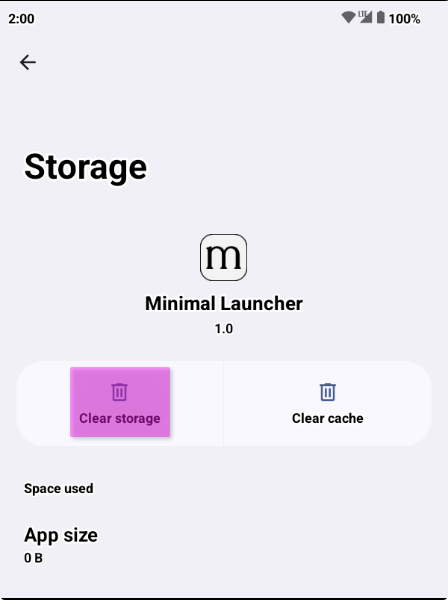
Clear storage
Warning
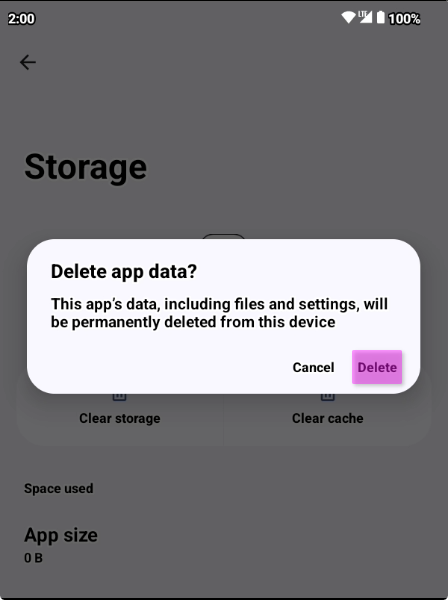
This is your final warning, this will clear all app data, preferences and configuration, ensure you want to do this before continuing.
- Select
Deleteto Delete the apps data